

For installers and the people they install for
Different brands. One local view.
Find the cameras on your Wi-Fi and watch them on a phone, tablet or TV. No account, no cloud.
Coming to the App Store and Google Play · early access by email · free until launch
Where it works, plainly
On each site’s own Wi-Fi
ViewTile talks to the cameras on the network it is on. It does not link your shops over the internet; watching from elsewhere needs a VPN you set up yourself.
Two for free, the rest with Pro
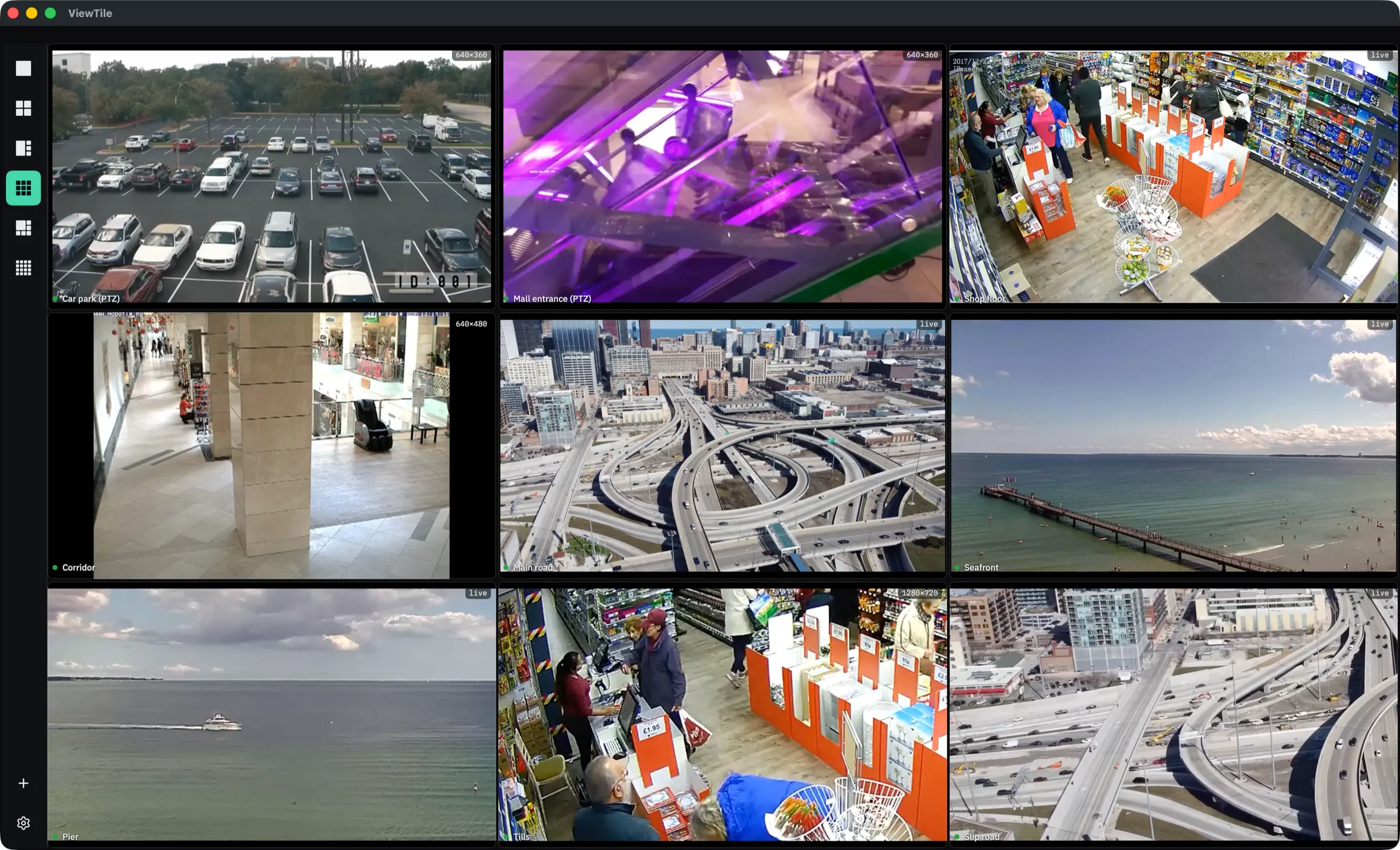
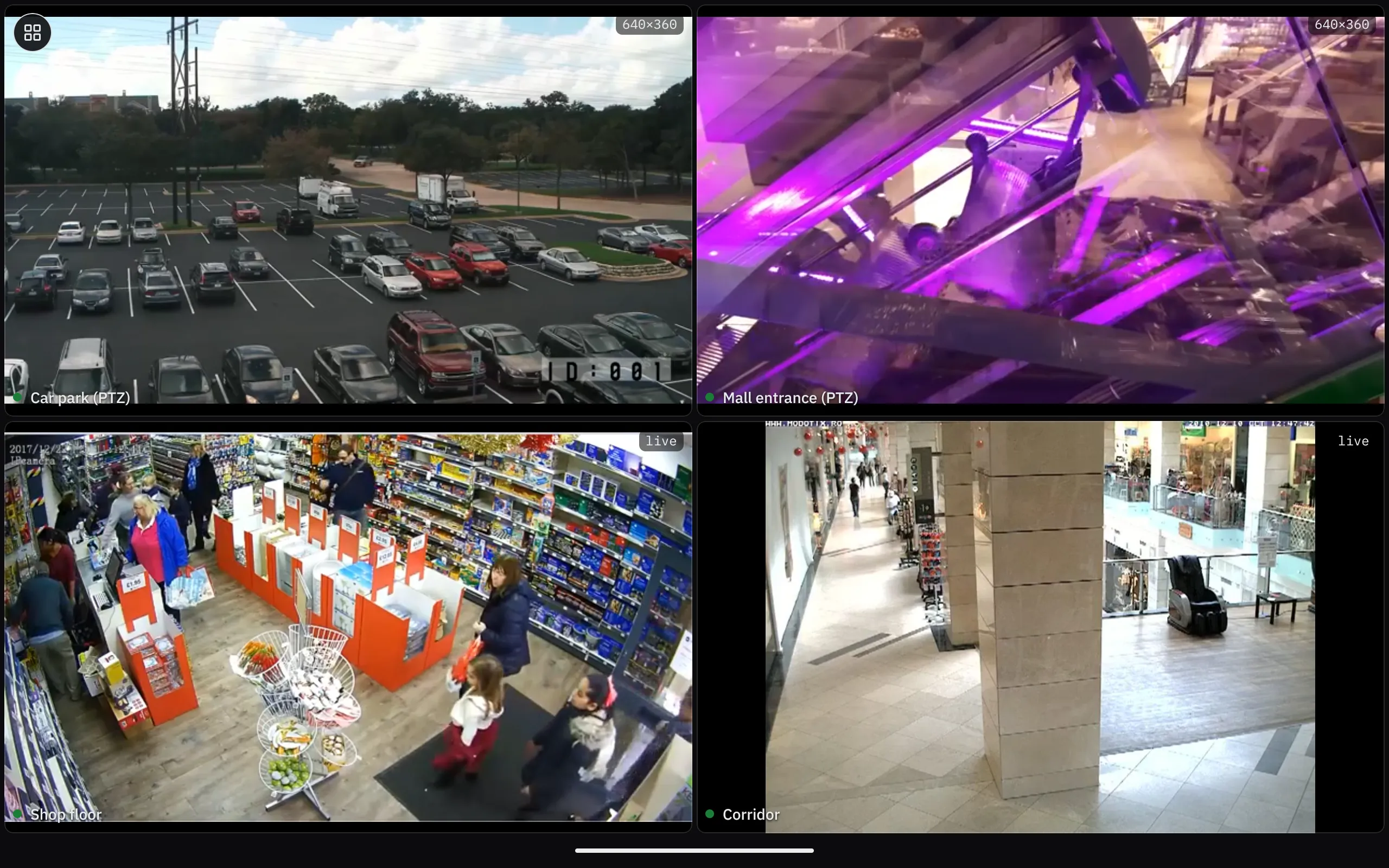
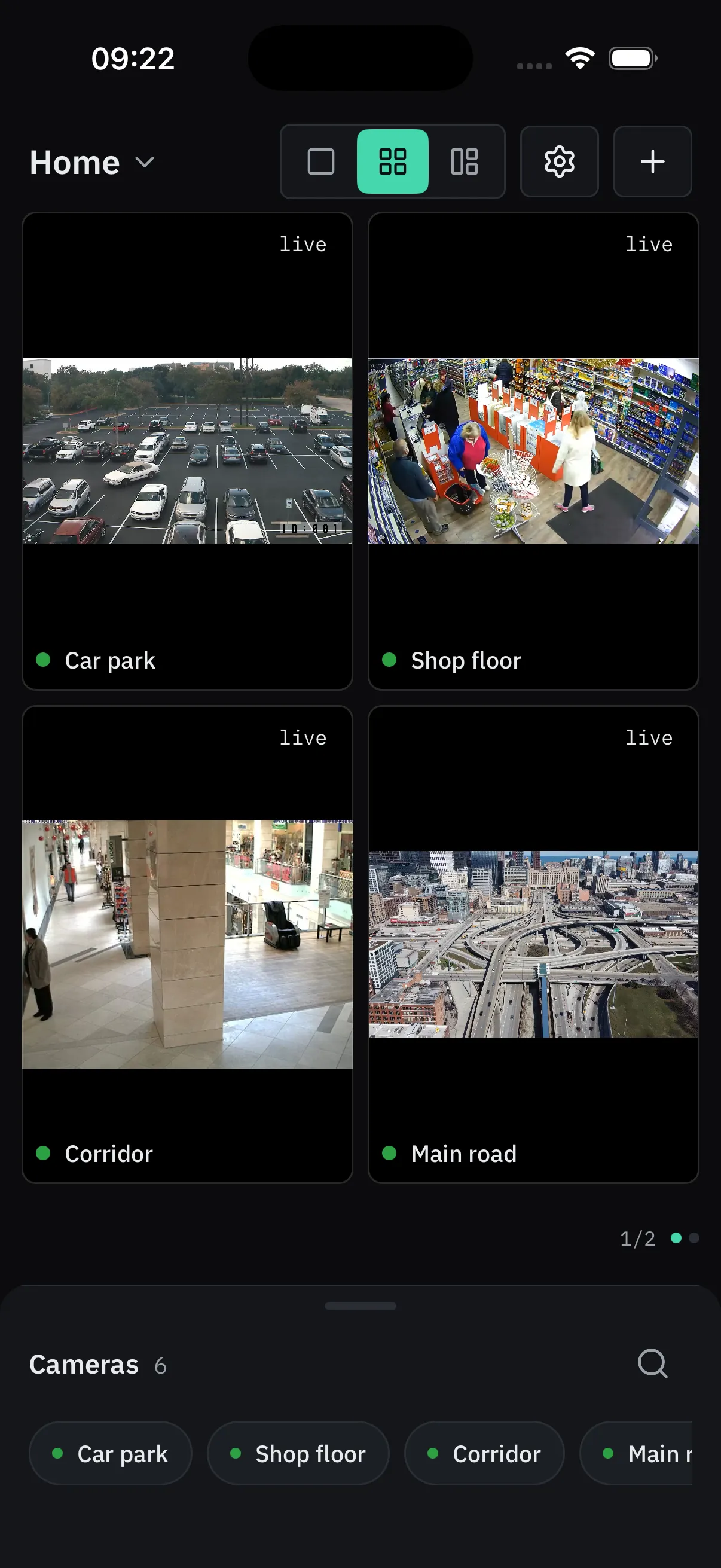
Two cameras side by side for as long as you like, free. Pro adds the rest of the site: up to four on screen at once on a phone or a TV, nine on a tablet, sixteen on a Mac or a wide screen such as a large tablet held sideways, and pages that turn by themselves.
Your data stays on your phone
No account, no cloud, no analytics. Your cameras, passwords, snapshots and settings live on the phone and nowhere else; nothing is sent to us, and we hold nothing of yours.
When it fails
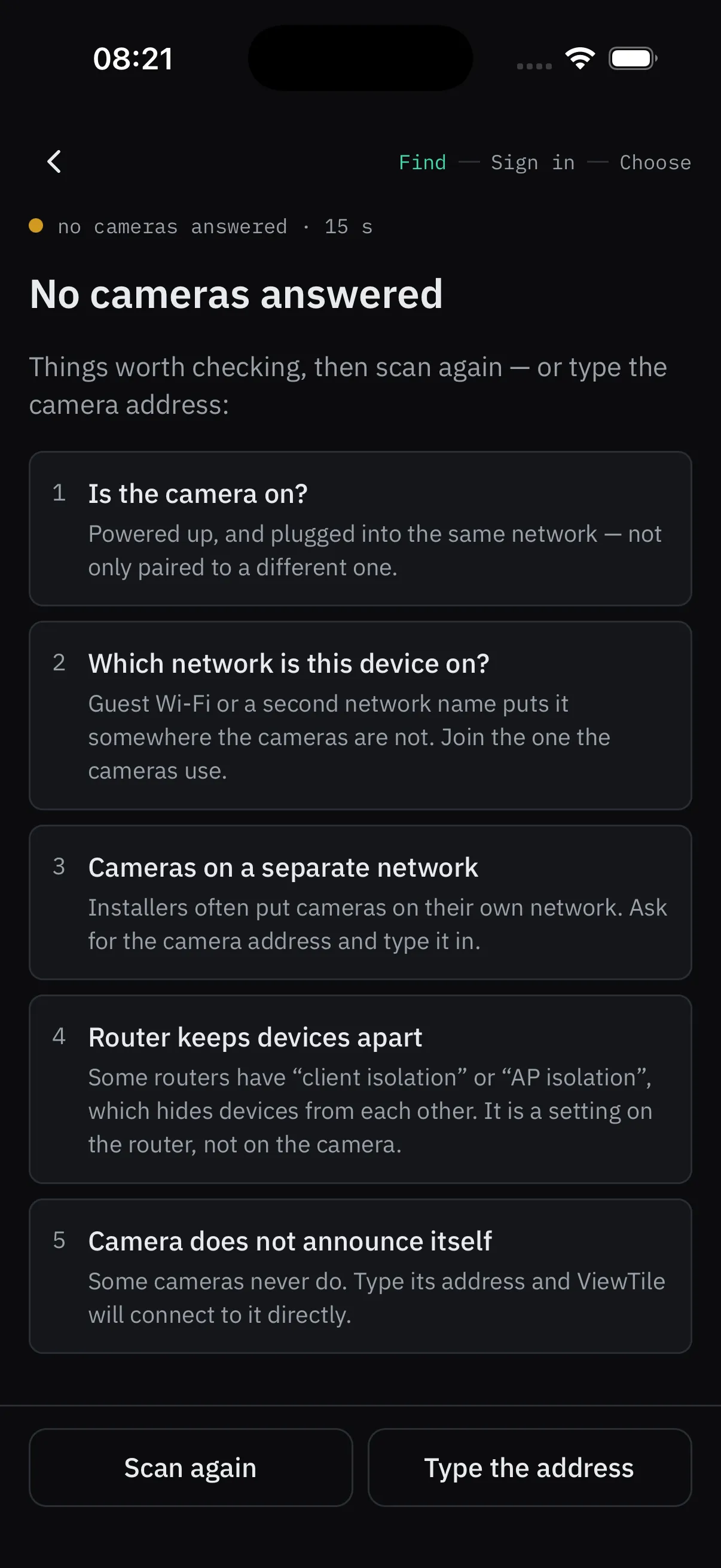
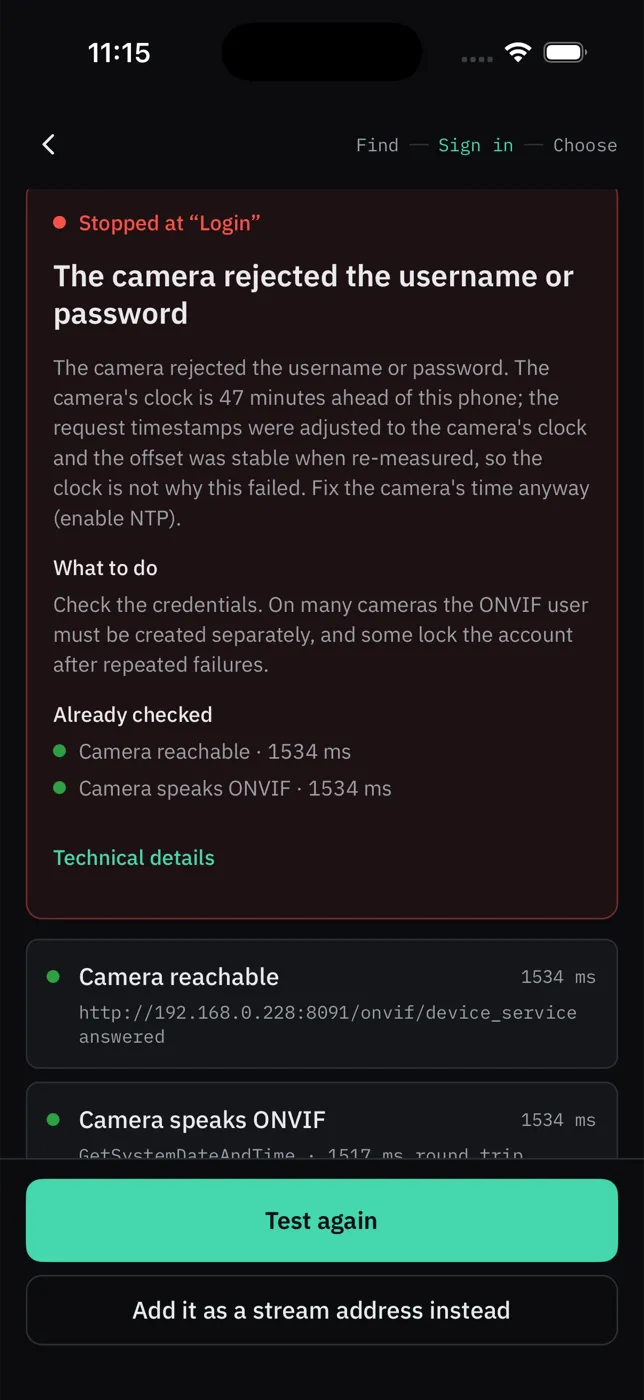
It says what went wrong, and what to do next
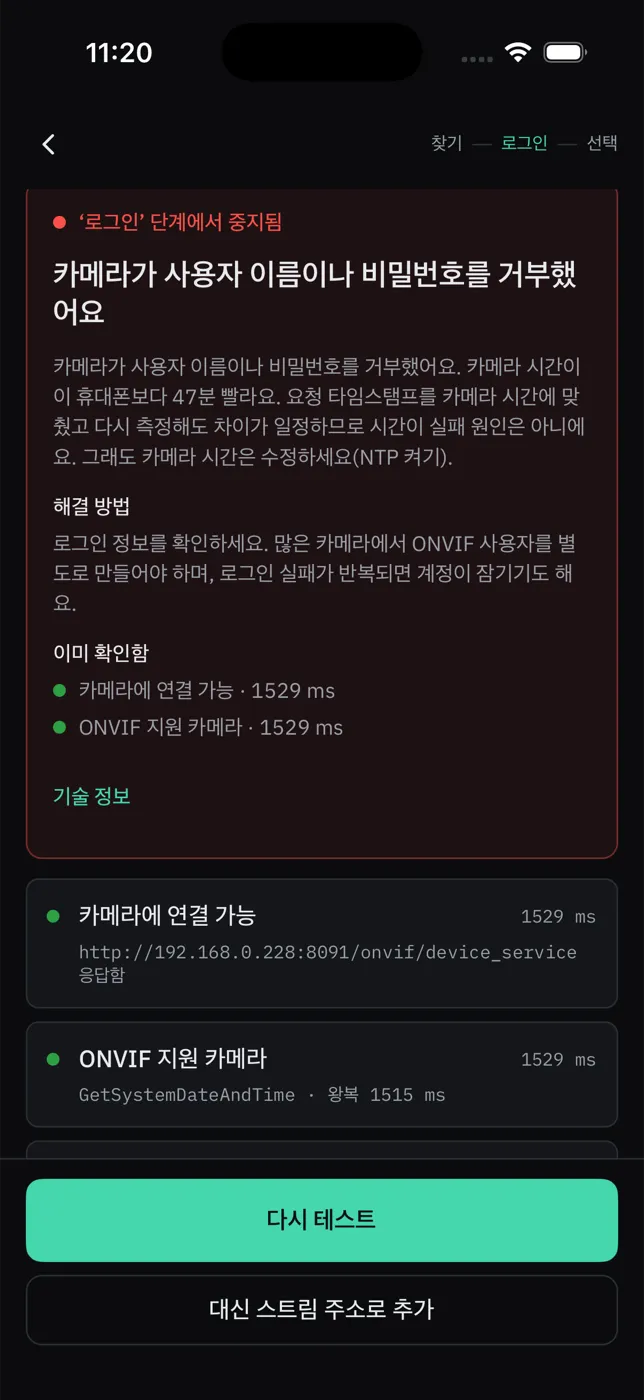
Instead of “connection failed”, ViewTile checks the camera one step at a time and names the step that broke.
What you usually get
Connection failed.
OKThe app’s actual wording
The camera refuses the sign-in because its clock is too far from this phone’s. It also moved between two checks, so ViewTile cannot work around it.
- Camera clock
- 47 min ahead of this phone
- Between two checks
- moved by 1 h 47 min
- The camera said
- “not authorised”, twice
→Set the camera’s time, or turn on automatic time on the camera, then try again.
The symptom
The camera keeps refusing your password — and the password is right. The usual answer is a factory reset.
What ViewTile checked
Before signing in, it compared the camera’s clock with the phone’s: 47 minutes ahead, and drifting between two checks. The likely cause was the clock, not the password.
What to do
Set the camera’s time, or turn on automatic time, and try again. No guessing, no reset.
And if it is not you who fixes it
One tap copies a report, passwords already removed, for the installer, the supplier or us.
Setting up
Three steps, on the ground
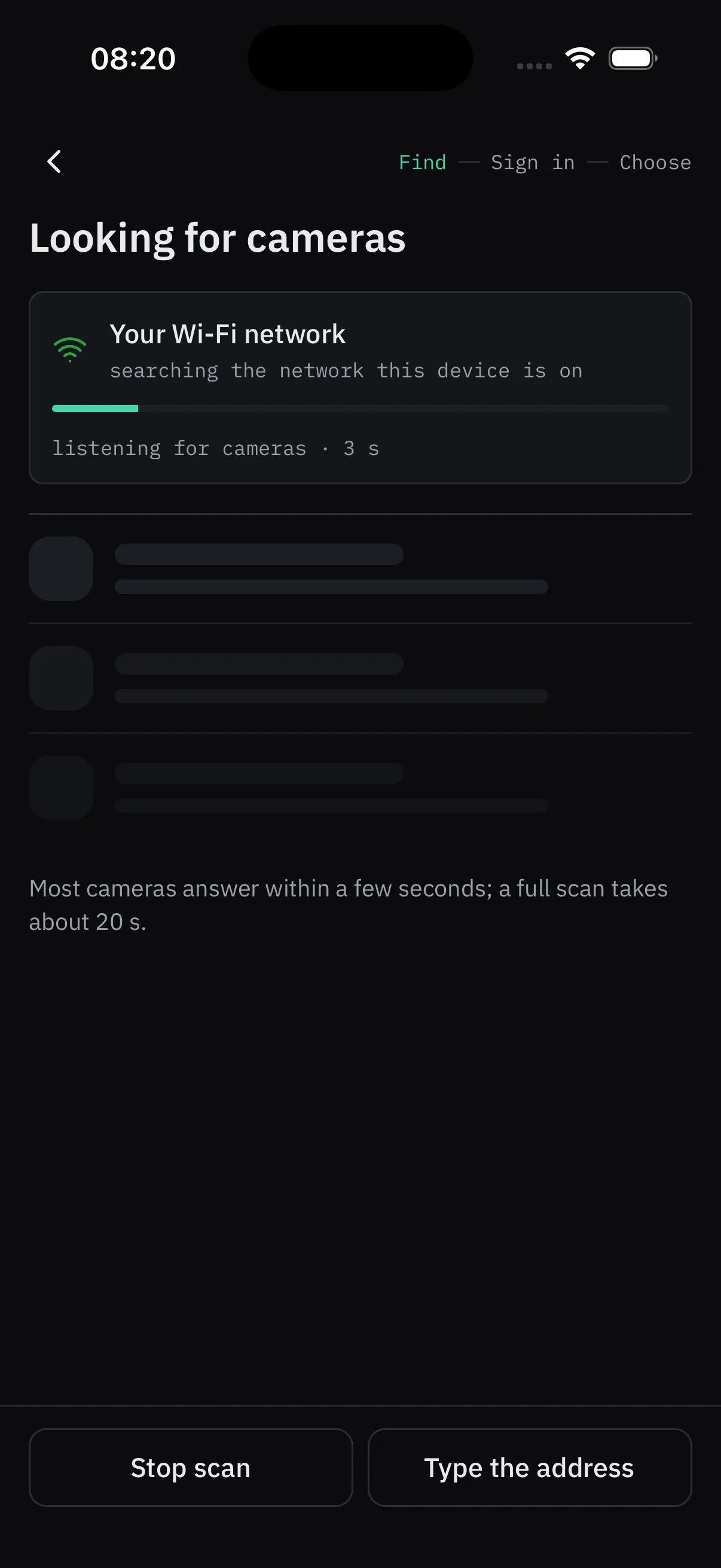
Find
Open ViewTile on the cameras’ Wi-Fi. It looks for them by itself — tick several and add them with one login — or type an address or a stream link.
Sign in
Use the camera’s own login, not the Wi-Fi password. If a step fails, ViewTile says which.
Adjust
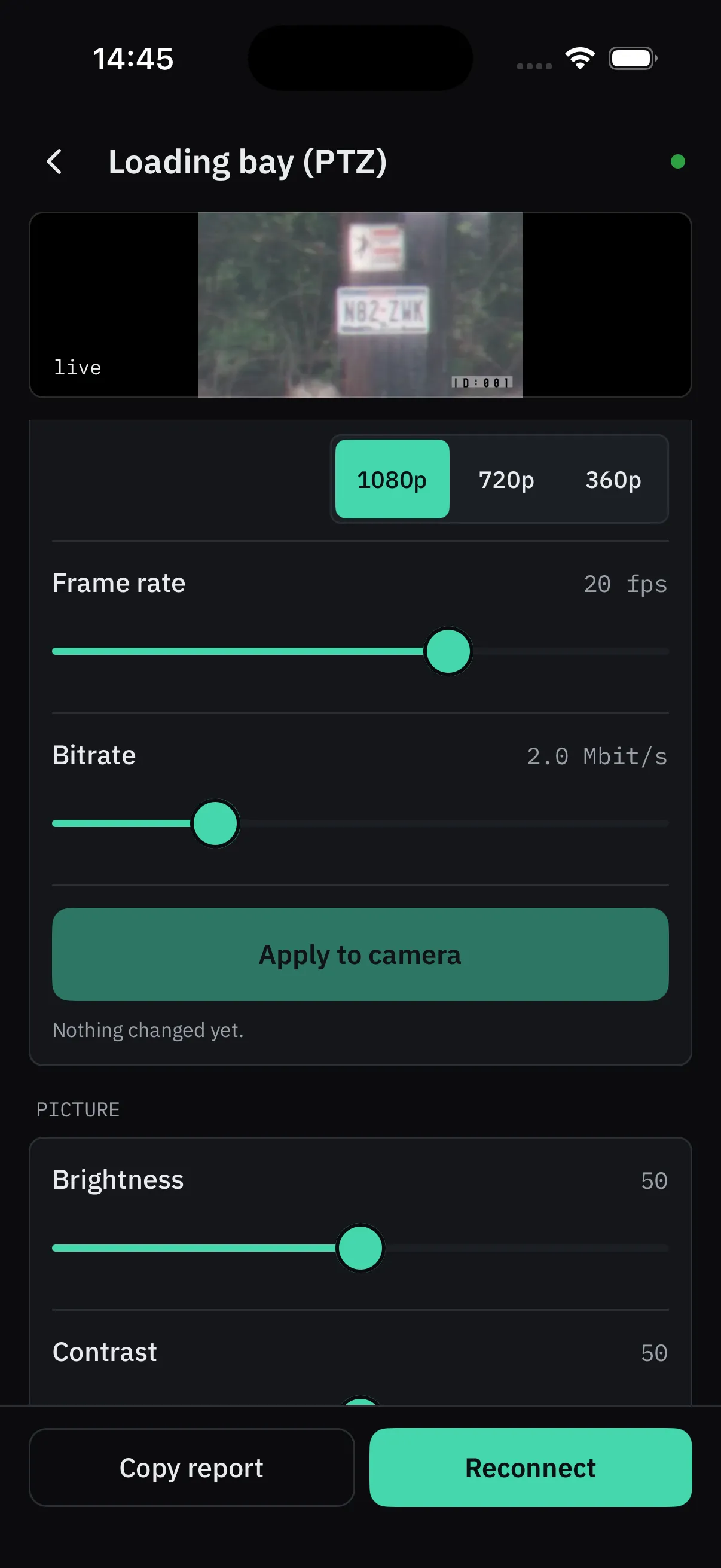
Name it, pick the picture the wall uses, and tune what the camera offers.
Two looks
Dark for the night shift. Light for the counter.
Every screen comes in both, and the app follows the phone’s setting.
Drag the line, or use the arrow keys.
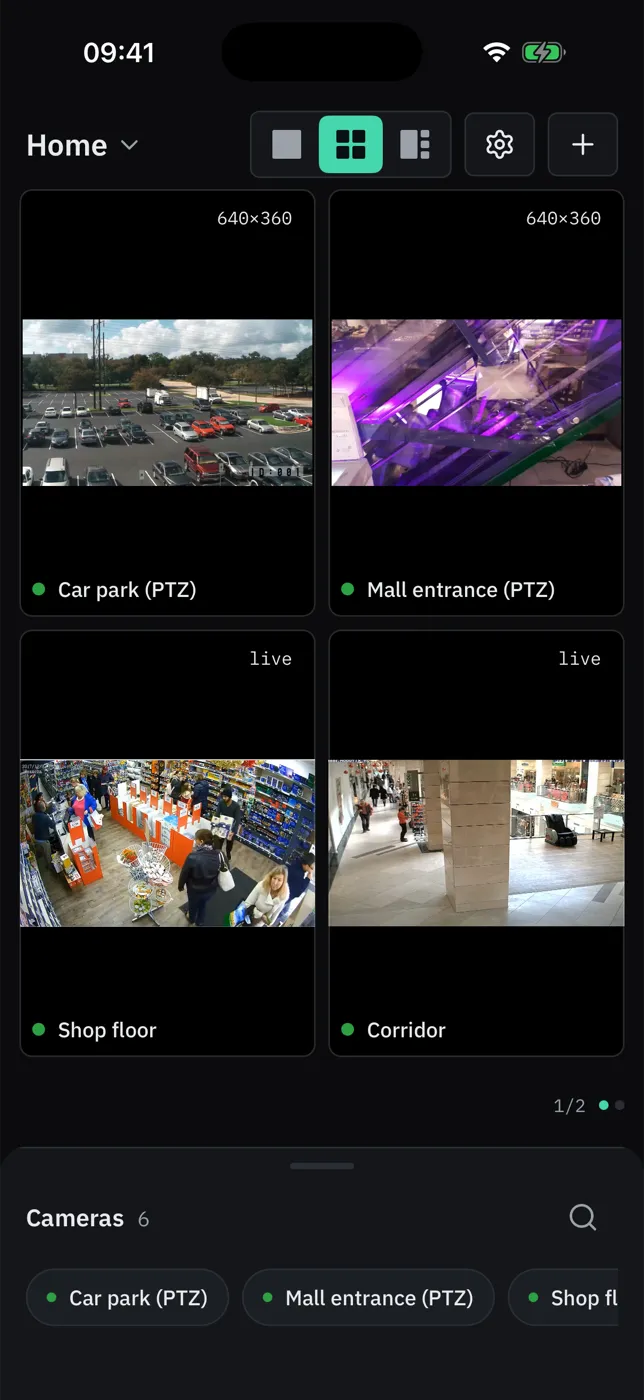
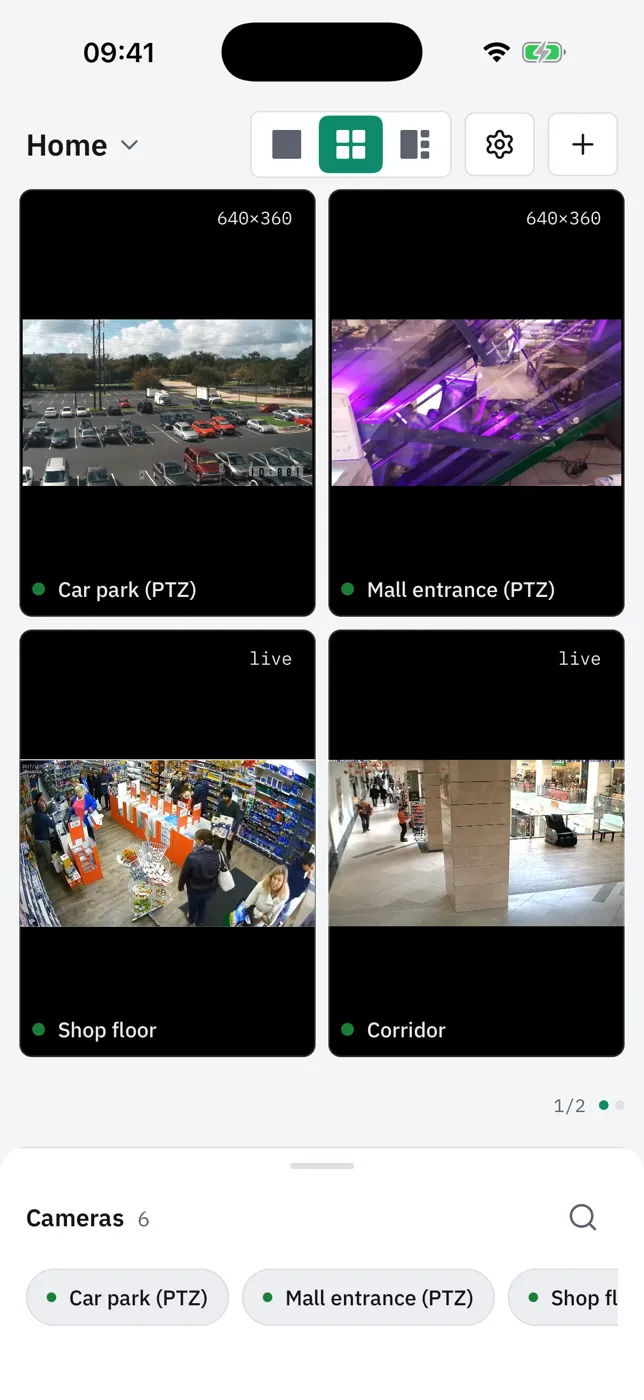
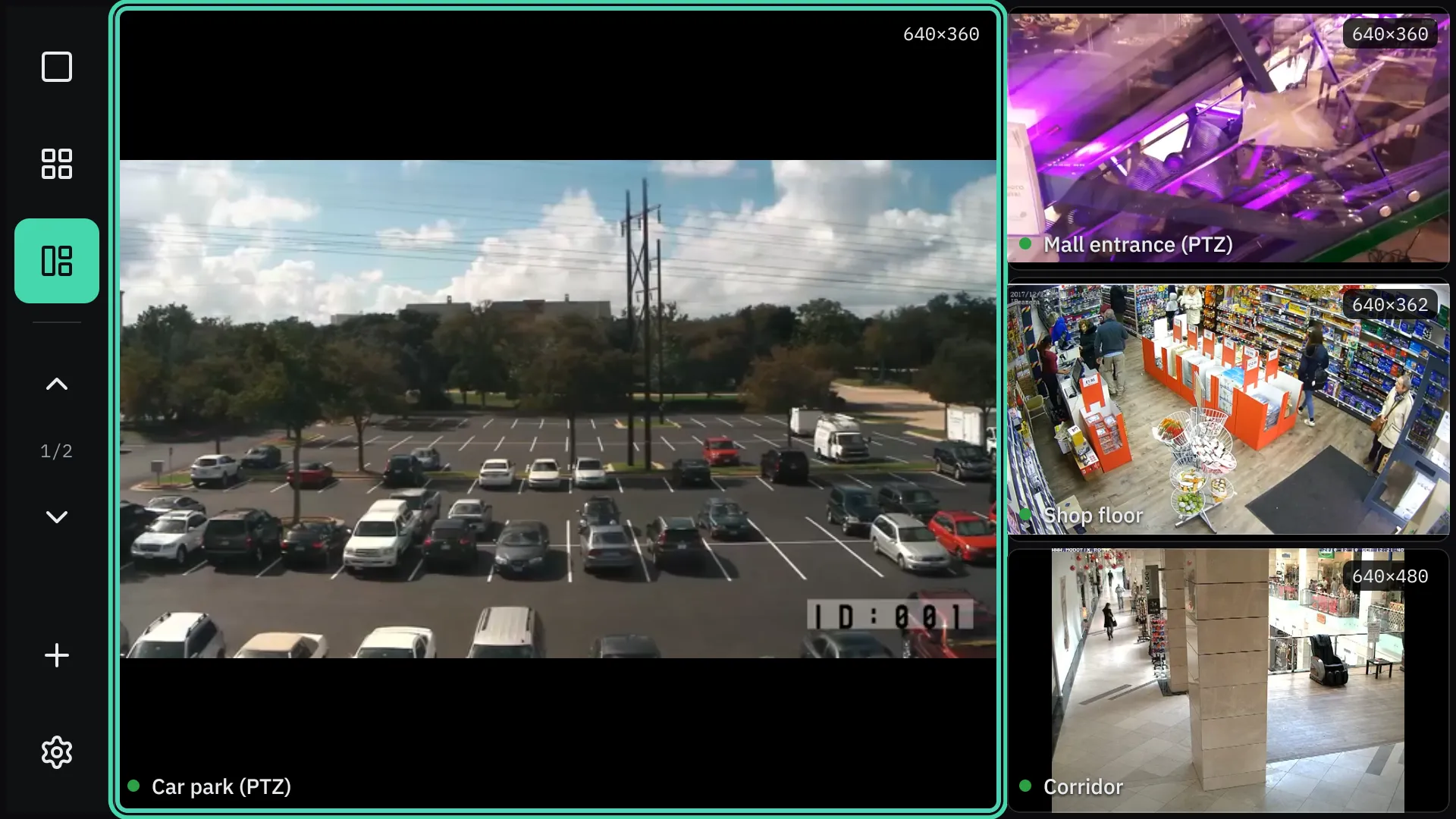
Android TV · one large, three beside it, driven by the remote 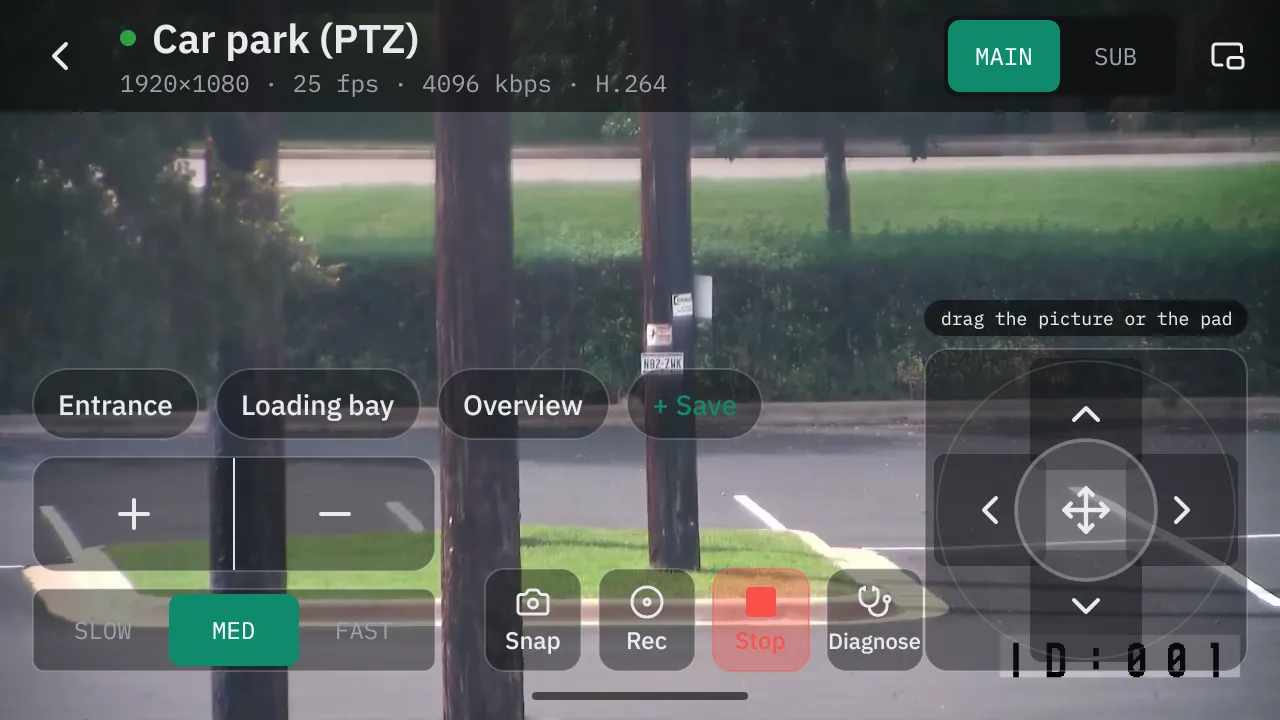
Android, held sideways · the controls over the picture 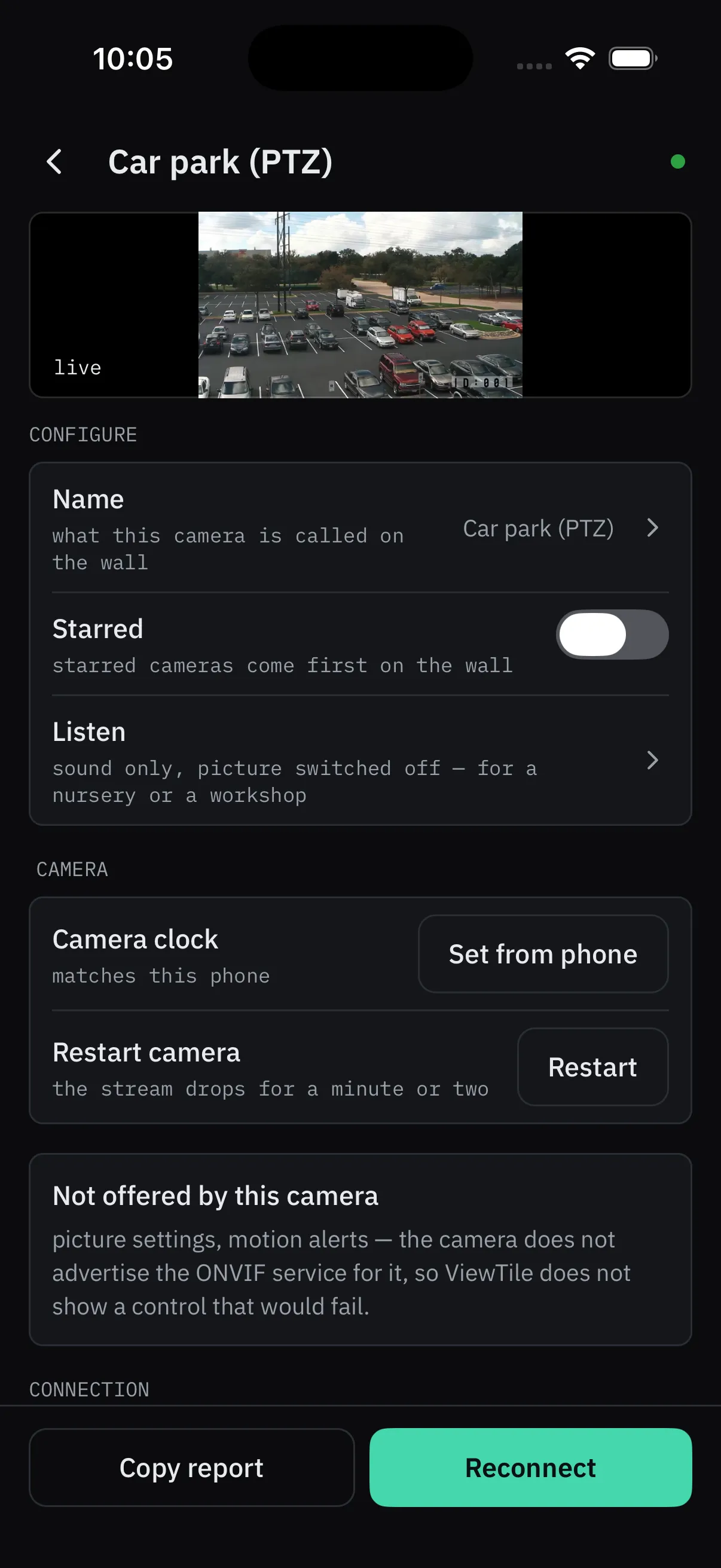
The camera’s clock, a restart, and what it does not offer 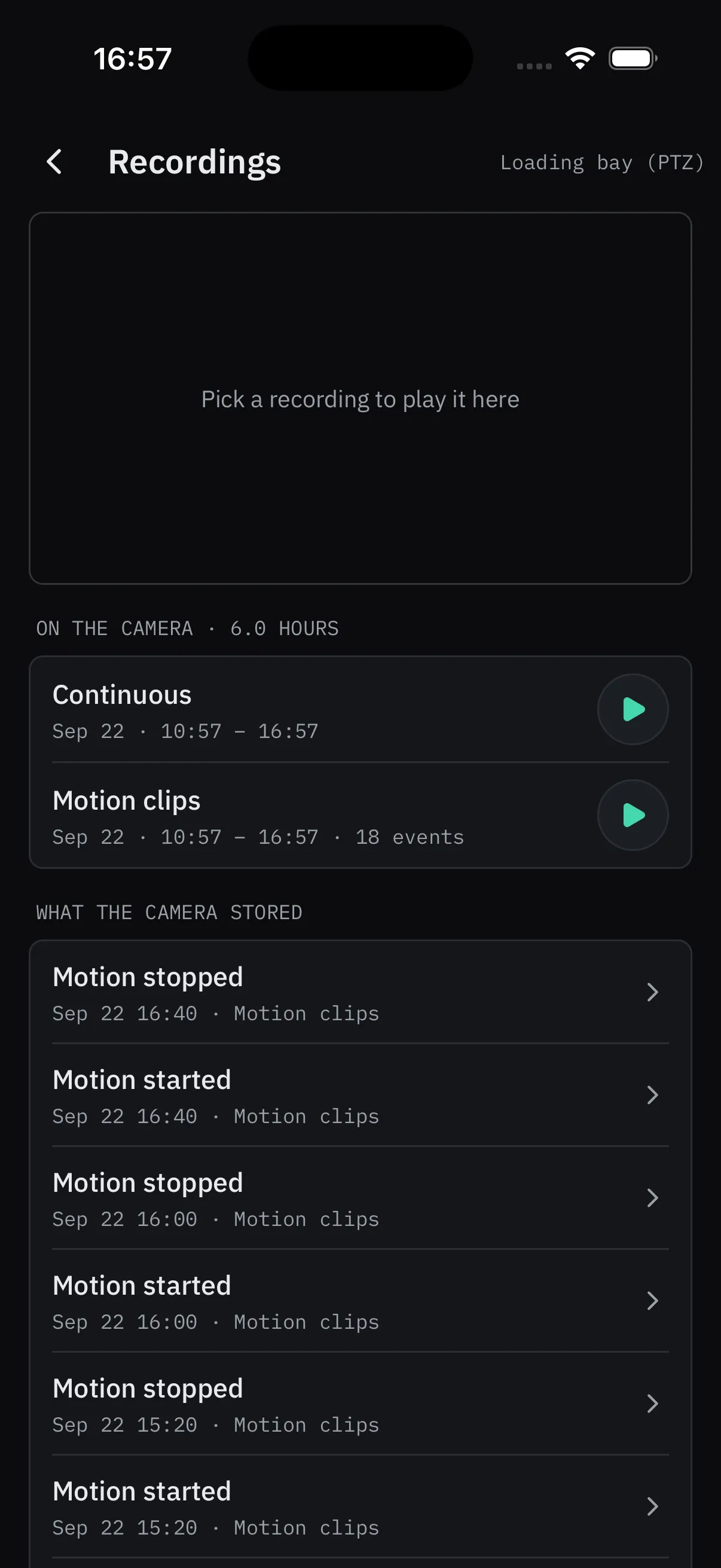
What the camera recorded on its own card
App screenshots with openly licensed camera footage. The television app is coming soon.
And more
Everything it can do
Camera controls, snapshots and clips, saved views, what is free and what is Pro — and the questions people ask first.
Works on
The screens you already have
- iPhoneearly access
- iPadearly access
- Androidearly access
- Mac (Apple silicon)runs the iPad app
- Android TVcoming soon
In your language
Your cameras, in your language
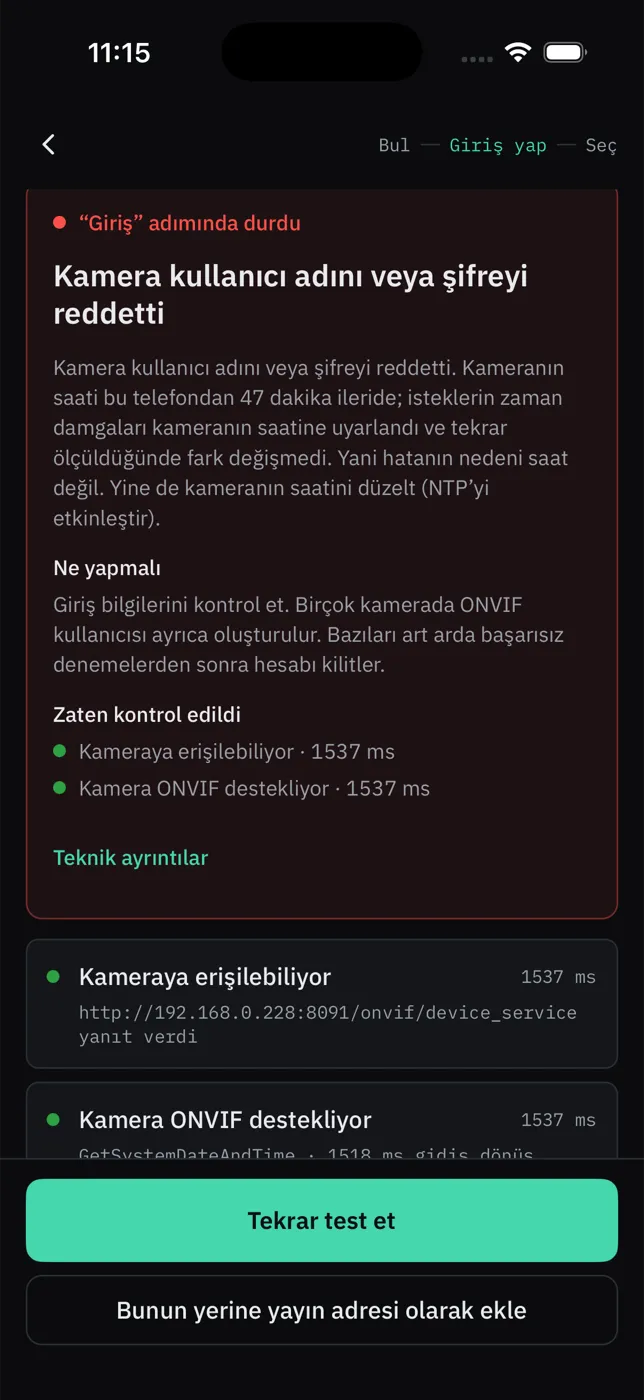
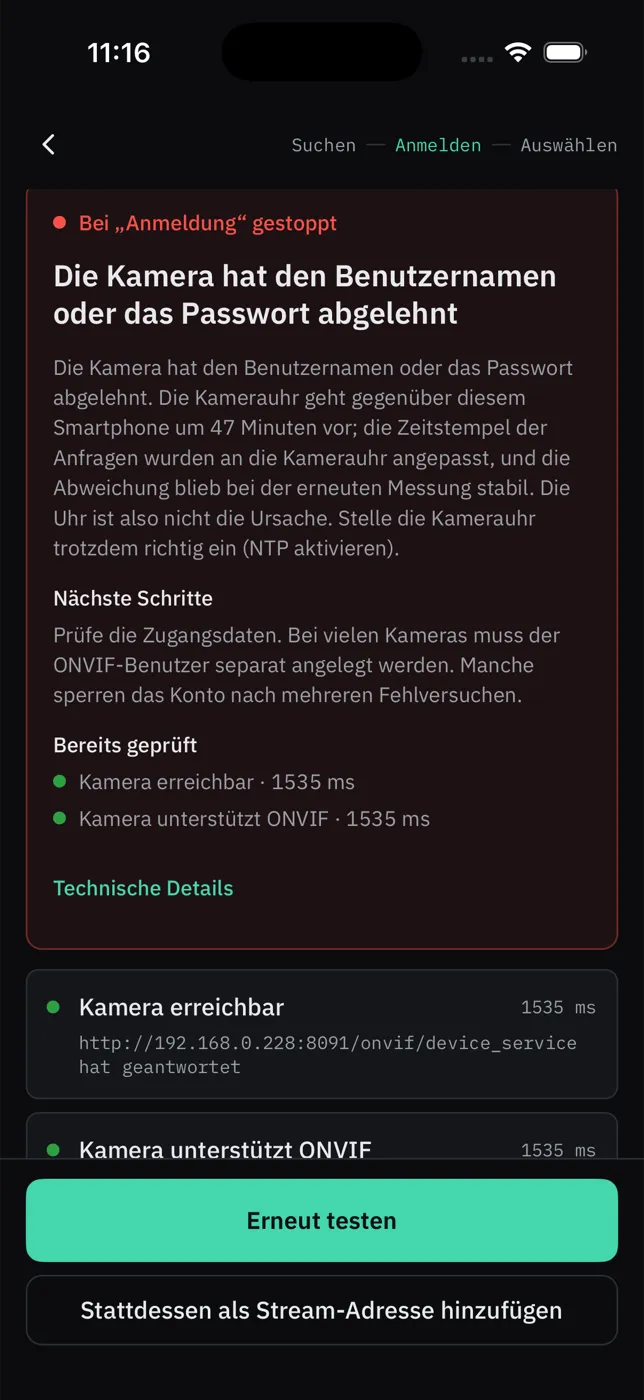
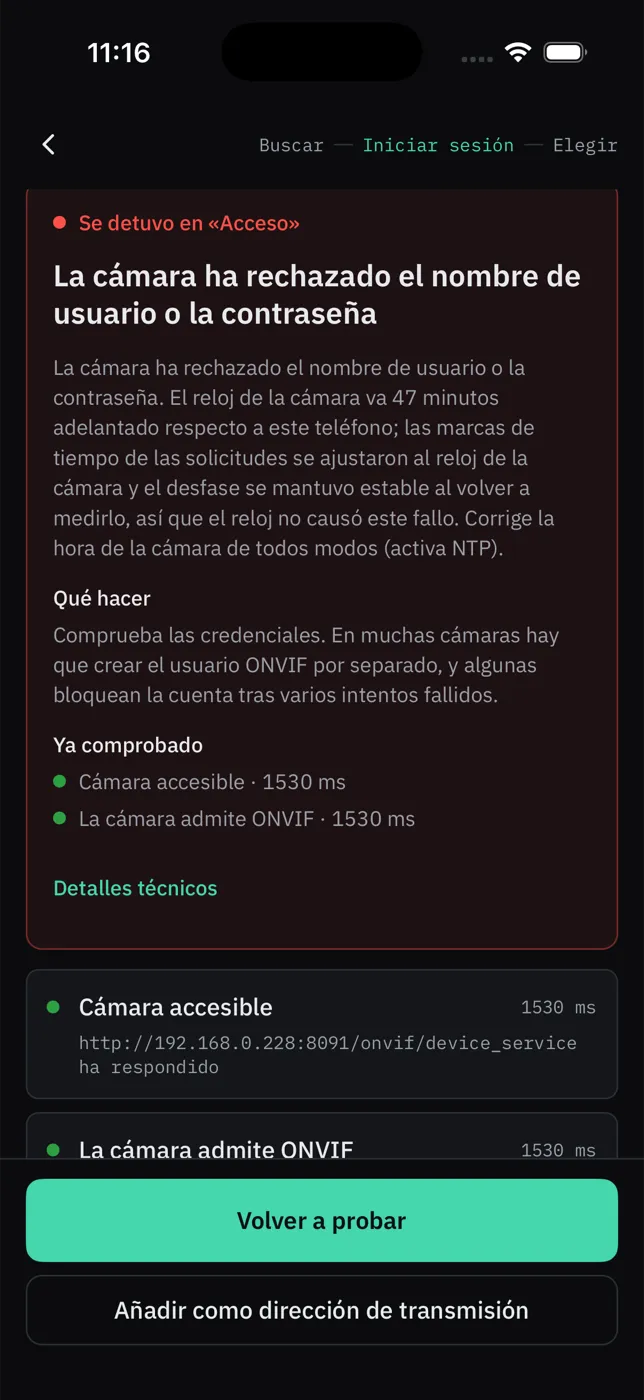
The app speaks twelve languages. It follows your phone’s language, and you can change it at any time in Settings.
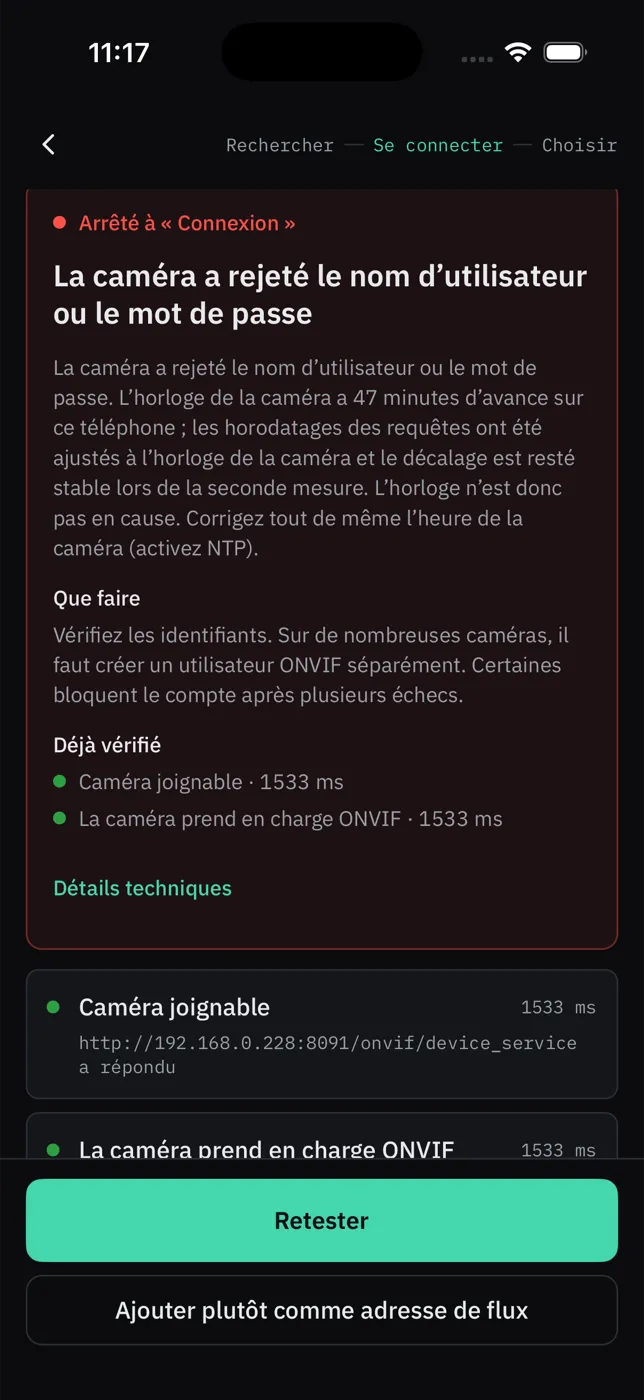
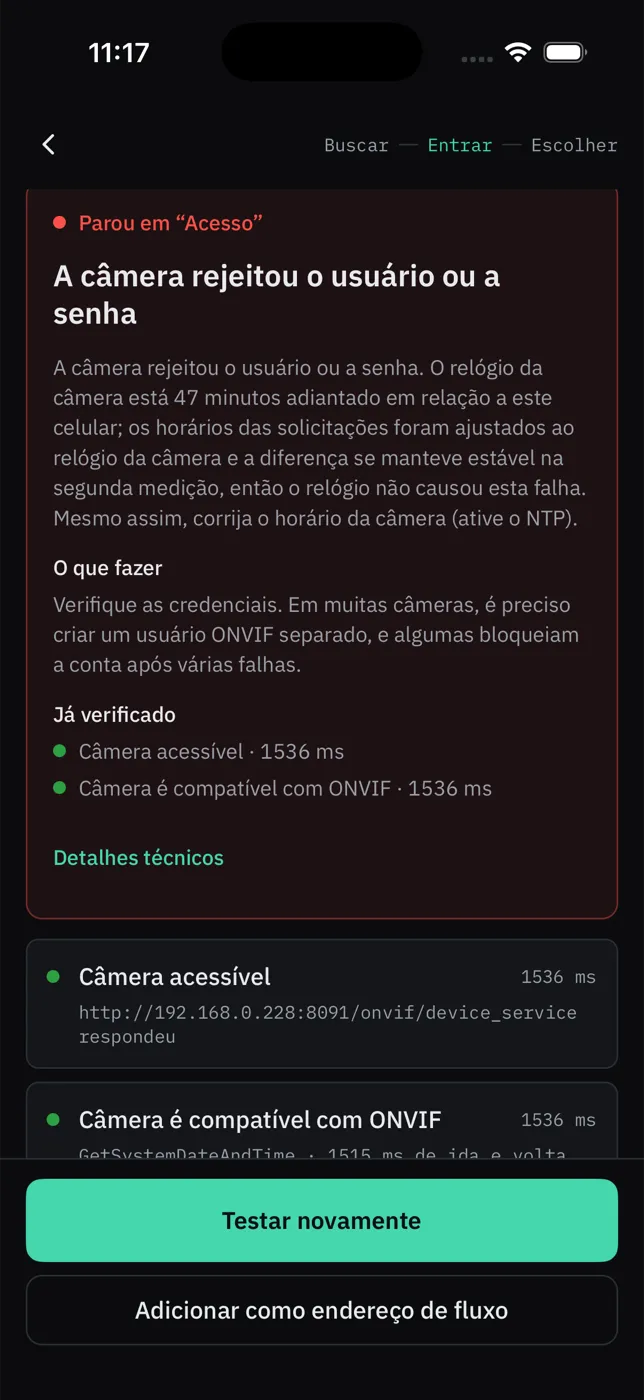
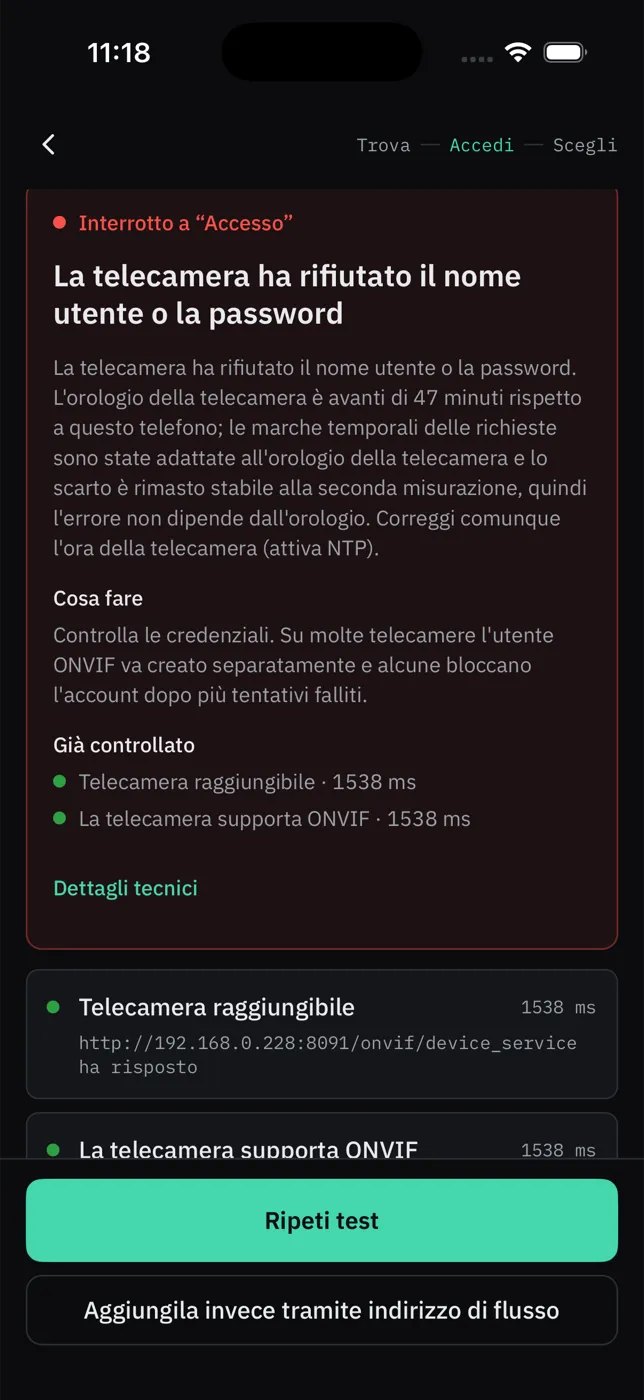



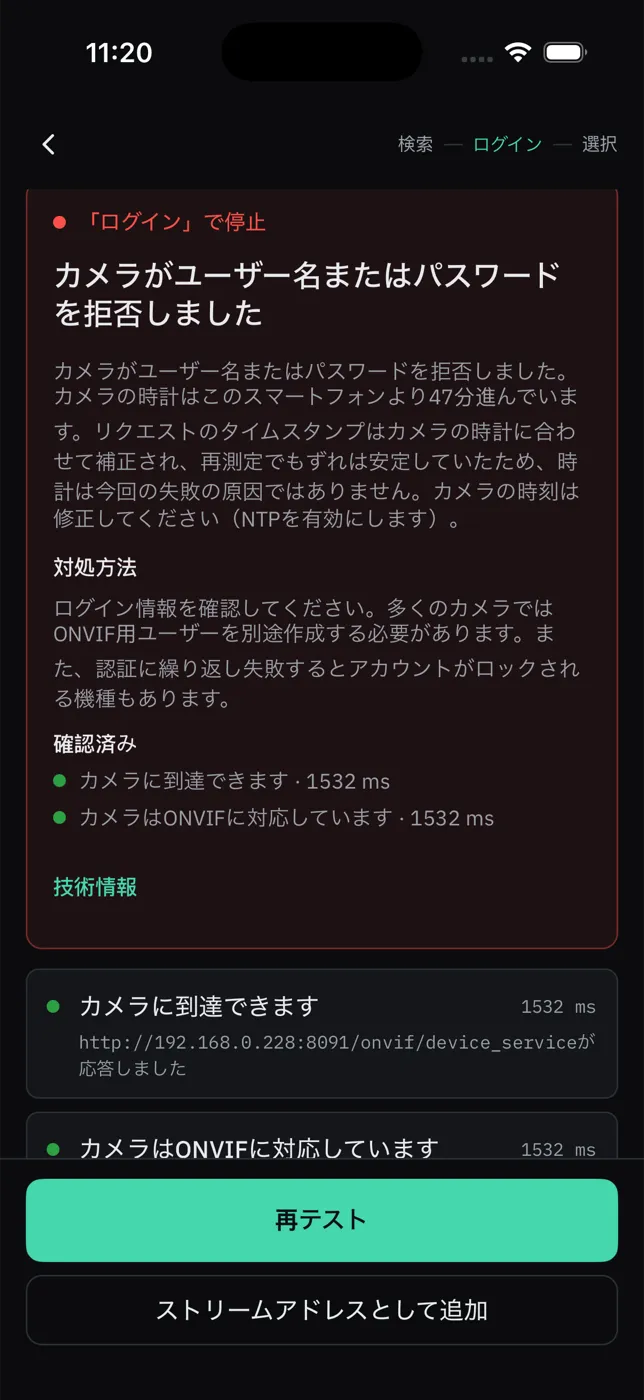
- English
- Türkçe
- Deutsch
- Español
- Français
- Português
- Italiano
- Polski
- Русский
- 简体中文
- 日本語
- 한국어
Yours
No cloud of ours in between
There is no ViewTile server. The app talks to your cameras directly over your own Wi-Fi.
- No account, no sign-up, no cloud.
- Camera passwords stay in the phone’s secure storage.
- No analytics, no crash reporter, no ads — here or in the app.
No server in between
Try it before the stores
ViewTile is built for iPhone, iPad, Android phones and tablets, and Android TV, and it is coming to the App Store and Google Play. If you install cameras for a living, write with the brands you have, and an early build comes back with instructions.
- iPhone and iPadearly access
- Android phones and tabletsearly access
- Android TVcoming soon
- Mac with Apple siliconruns the iPad app